RajSSP Portal Guide: Apply, Track and Manage Your Pension
A clear English, step-by-step resource for Rajasthan social security pension applications, beneficiary status, PPO details, payments, verification and corrections.

Find the Right RajSSP Help Page
Use a focused guide for your next action instead of repeating the entire application process.
Content is for general guidance. Always use current official Rajasthan instructions for applications, eligibility, deadlines and payments.
What Is RajSSP?
RajSSP is Rajasthan’s Social Security Pension system for eligible residents covered by state pension schemes.
What the portal is used for
Applicants and pensioners use the official system to access application, beneficiary, PPO, sanction, payment and verification services. The available action depends on whether you are applying for the first time or managing an existing pension.
RajSSP.net is an independent information website. We explain the process in simple English and link to relevant official services, but we cannot approve applications or change government records.
Who may find this guide useful
- Residents preparing a new pension application
- Applicants checking an objection or pending status
- Approved pensioners looking for PPO or payment details
- Families helping with annual verification
- Users correcting identity, bank or eligibility records
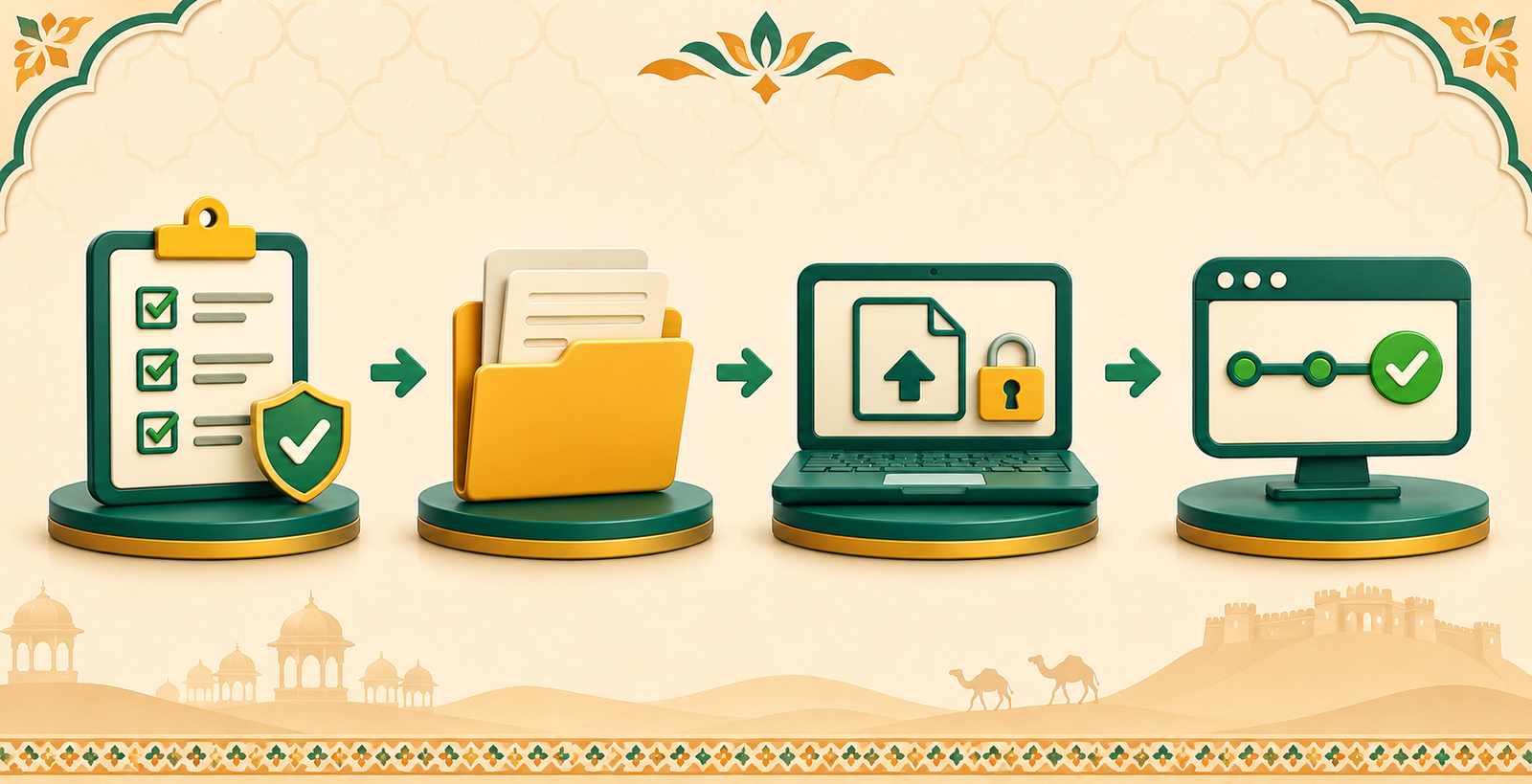
The Complete RajSSP Process
Follow these five stages in order. Skipping preparation often creates avoidable objections later.
Choose the Correct Pension Scheme
Start with the applicant’s actual circumstances, not with whichever form appears first.

Check the current eligibility rules
- Age and date-of-birth requirements
- Rajasthan residence conditions
- Family or household income limits
- Category-specific evidence
- Whether another pension affects eligibility
Prepare Documents and Matching Details
Consistent records are more important than uploading a large number of documents.
Identity and eligibility
- Aadhaar and Jan Aadhaar details where officially required
- Proof of residence and age
- Family and income records applicable to the scheme
- Widowhood, disability or other category evidence
- Recent photo or supporting certificate if requested
Bank and contact information
- Active account in the correct beneficiary name
- Current IFSC and branch information
- Mobile number available for official updates
- Matching spelling and date of birth across records
- Copies or receipts of every submitted correction
Submit the RajSSP Application
Use the official route available for your scheme and keep the acknowledgement safely.
Application checklist
- Review eligibility before starting.
- Enter names and dates exactly as recorded.
- Upload only clear, relevant documents.
- Review bank and contact information.
- Submit through the permitted portal or e-Mitra route.
- Save the application or acknowledgement number.
Track Application, PPO and Payment Status
Read the exact status and remark before deciding what to do next.
The application is recorded. Keep the acknowledgement for later checks.
Identity, residence, eligibility or supporting records may be under review.
Read the official remark and correct only the field or document mentioned.
Save the PPO or beneficiary reference and confirm bank details.
Check bank status, account matching, IFSC and the transaction remark.
Review verification, eligibility and bank or identity-linking remarks.
Complete Annual Pension Verification
Existing beneficiaries should follow the current official verification instructions within the announced period.
Before verification
- Confirm beneficiary and pension details
- Use the currently accepted official verification method
- Keep Aadhaar and mobile services available where required
- Use an authorized centre if self-verification is unavailable
After verification
- Save the success message or receipt
- Check that the pension record reflects completion
- Do not repeat verification without checking the status
- Use the official help route if authentication repeatedly fails
RajSSP Pension Scheme Guides
Use a focused guide for category-specific eligibility, documents and status help.
Old-Age Pension
Eligibility, application, amount information and status guidance for eligible older residents.
Open guide →Widow Pension
Application and status guidance for eligible widows and women covered by applicable provisions.
Open guide →Disability Pension
Certification, eligibility, application and payment guidance for eligible persons with disabilities.
Open guide →Common Problems and the Correct Next Step
Use the official remark as the starting point instead of submitting random corrections.
| Application not found | Recheck the acknowledgement number and scheme. Ask the submission centre to trace a valid receipt that does not appear online. |
|---|---|
| Name or birth-date mismatch | Compare the source identity, family and bank records. Correct the authoritative record first. |
| Objection unclear | Obtain the exact objection text and submit only the requested correction. |
| Bank payment missing | Check PPO status, account activity, IFSC, beneficiary-name matching and the payment remark. |
| Verification pending | Use the current accepted verification method and retain proof of successful completion. |
| Pension stopped | Review annual verification, eligibility review, bank failure and identity-linking information. |
RajSSP Frequently Asked Questions
Is RajSSP.net the official government portal?
No. RajSSP.net is an independent informational website. Official applications and record changes must be completed through authorized Rajasthan services.
What should I save after applying?
Keep the application or acknowledgement number, copies of submitted documents and any e-Mitra receipt. After approval, also save the PPO or beneficiary reference.
Why is an application pending?
A pending status may indicate that identity, residence, eligibility or another record is still being reviewed. Read the latest official remark before taking action.
Does approval mean payment will appear immediately?
Not always. Sanction and bank credit can occur at different stages. Check the PPO, payment record and bank transaction remark.
Where should I verify current rules and amounts?
Use the official Rajasthan Social Security Pension portal and current government notices, because eligibility, amounts and procedures may change.
Start With the Guide That Matches Your Situation
New applicant? Begin with registration. Already applied? Open beneficiary status. Approved but unpaid? Review the payment guide.
Independent informational resource. Always verify time-sensitive rules, deadlines and amounts through official Rajasthan sources.
Detailed RajSSP Application Routes
The correct submission route depends on the service available for the applicant and whether assistance is needed.
Online or assisted digital application
Some applicants prefer to begin through the relevant Rajasthan digital service, while others use an authorized e-Mitra centre. In both cases, the same basic preparation matters: choose the correct scheme, make the records consistent, review every entry and keep the acknowledgement after submission.
If you apply with assistance, do not leave without checking the name, date of birth, bank information, scheme and uploaded documents shown on the acknowledgement. A small entry error can later appear as an objection or failed verification.
When an e-Mitra centre may help
- The applicant is not comfortable using an online service.
- A document must be scanned or resized correctly.
- Biometric authentication is required by the current process.
- An existing application needs an authorized correction route.
- A printed receipt or submission acknowledgement is needed.
Use an authorized centre and retain the receipt. An operator cannot guarantee approval because eligibility and sanction decisions belong to the responsible authority.
How to Read RajSSP Status Messages
A status is useful only when you understand the stage it represents and the next action it requires.
| Draft or incomplete | The application may not have been finally submitted. Review missing fields, uploads and the final confirmation step. Do not assume a saved draft is an acknowledged application. |
|---|---|
| Submitted | The system has recorded the application. Save the acknowledgement number and allow the official verification process to begin. |
| Forwarded | The application has moved to another level or office for review. Normally no correction is needed unless a remark appears. |
| Pending verification | Identity, residence, income, category, family or bank details may still be checked. Repeated submissions usually do not speed up this stage. |
| Objection | An officer or system check has identified a specific issue. Read the complete remark, correct the source record if necessary and submit the requested evidence. |
| Approved or sanctioned | The pension has passed the relevant approval stage. Record the PPO or beneficiary number and then follow the payment status separately. |
| Rejected | The application did not meet a requirement or an unresolved issue remained. Obtain the stated reason before considering a correction, grievance or fresh application. |
| Stopped or suspended | An existing pension requires attention. Common areas to review include annual verification, eligibility review, identity matching and bank failure. |
Understanding PPO and Beneficiary Numbers
Reference numbers connect the application, sanctioned pension and payment records.
Application number
This number is generally associated with the submitted application. Use it while the request is being processed and when asking the submission centre to trace the record.
PPO or pension reference
After sanction, the PPO or beneficiary reference becomes important for pension and payment checks. Store it with the applicant’s records instead of relying on an old phone screenshot.
Good record-keeping
- Write the reference numbers on the application receipt.
- Keep a clear digital and printed copy.
- Note the scheme and beneficiary name beside each number.
- Do not post full references publicly on social media.
- Use the same reference when following up with an office.
RajSSP Payment Troubleshooting Guide
When an approved pension is not credited, check the pension record and bank record separately.
First check the pension side
- Confirm that the pension remains sanctioned and active.
- Review the latest payment month and transaction remark.
- Check whether annual verification is complete.
- Look for a stopped, returned or failed-payment message.
- Confirm that the PPO belongs to the correct scheme and person.
Then check the bank side
- Confirm the account is open and able to receive credits.
- Check the account holder’s name against the pension record.
- Verify that the IFSC and branch information are current.
- Ask the bank about a returned or rejected transfer when a transaction reference exists.
- Use the authorized correction route if the recorded account is wrong.
Annual Verification: Common Failure Reasons
Authentication can fail even when the pension itself is valid. Work through the likely cause methodically.
Biometric not matching
Try the officially supported alternative if available or visit an authorized centre. Repeated attempts on an unsuitable device may not resolve the issue.
Face authentication issue
Use adequate light, remove obstructions and follow the current app instructions. Confirm the correct Aadhaar-linked identity is being verified.
Mobile or app problem
Check connectivity, current app requirements and permissions. Use an authorized assisted route if the self-service method remains unavailable.
Record mismatch
A difference in name, date of birth or beneficiary mapping may require correction before verification can complete.
Already completed
Check the status and receipt before repeating the process. A successful submission may take time to appear in another view.
Window closed
Follow the latest official instruction for delayed verification or restoration. Do not rely on a previous year’s deadline.
Corrections: Fix the Source, Not Only the Application
A lasting correction often begins with the record that originally supplied the wrong information.
Identity correction
If the pension application differs from the applicant’s authoritative identity record, determine which record is actually wrong. Correcting only a display field may not help when the system verifies information again from Aadhaar, Jan Aadhaar or another source.
Bank correction
Use the authorized pension correction process when the bank account recorded for payment is wrong. Keep proof of the requested change and check the next payment record rather than assuming the update was immediate.
Document replacement
Upload a replacement only when it addresses the stated objection. A clear document should show the relevant name, date, number or category without being cropped or unreadable.
Eligibility review
When the objection concerns age, residence, income or category, a simple spelling correction may not be enough. Review the scheme condition and provide the evidence requested by the responsible authority.
RajSSP Terms Explained
A short glossary for words commonly seen in pension guides and status screens.
| Beneficiary | The person for whom the pension is approved or requested. |
|---|---|
| Acknowledgement | Proof that an application or correction was submitted, usually with a reference number. |
| PPO | A pension reference associated with a sanctioned pension record. |
| Sanction | The official approval stage for an eligible pension case. |
| Objection | A stated issue that must be reviewed or corrected before further processing. |
| Verification | A check of identity, eligibility, records or continued beneficiary status. |
| Transaction remark | A message describing the status or failure reason of a payment attempt. |
| e-Mitra | An authorized service channel that may assist with supported government services. |
How to Use RajSSP Services Safely
Pension applicants can be targeted by people promising guaranteed approval or immediate payment.
Safe practices
- Use official Rajasthan portals and authorized service centres.
- Check the website address before entering personal information.
- Keep acknowledgement and payment records private.
- Ask for a receipt for paid assisted services.
- Confirm time-sensitive instructions from official notices.
Warning signs
- A promise of guaranteed pension approval
- A request for OTP, password, UPI PIN or bank PIN
- A demand to transfer money to a personal account
- An unofficial form collecting unnecessary identity images
- A social-media message claiming only a few minutes remain
Popular RajSSP Services
Go directly to the guide that matches your current task.